

Young Learners
Children building early computer confidence and digital skills.
Explore skills for Young LearnersUnderstand who the training is for, what you can learn, which programme fits, and how TECH-TONIC can help you move forward.
Children building early computer confidence and digital skills.
Explore skills for Young Learners
Students developing practical computer and digital skills for school and beyond.
Explore skills for Secondary Students
People who have completed secondary school and want useful computer skills for university, work or other opportunities.
Explore skills for School Leavers
People who want stronger digital skills for academic work, job preparation and professional environments.
Explore skills for University Students & Graduates
People who want to improve their practical computer competence for workplace tasks.
Explore skills for Job Seekers
People who want to become more confident and productive with everyday computer and digital tools.
Explore skills for Working Adults
Adults who may be starting from the basics or want to become more comfortable using modern technology.
Explore skills for Older Learners
Anyone who feels they are not confident with computers and wants to start from the fundamentals.
Explore skills for General BeginnersPractical computer and digital skills designed for study, work, business and everyday life.

Understand your computer and navigate Windows confidently.
What you will practise
Build accurate, comfortable control of everyday computer inputs.
What you will practise
Keep digital work organised and easy to find.
What you will practise
Create clear, professional documents for school and work.
What you will practise
Organise information and handle everyday calculations.
What you will practise
Plan and deliver clean, effective presentations.
What you will practise
Work confidently with common document formats.
What you will practise

Prepare polished documents for real opportunities.
What you will practise
Find useful information online safely and efficiently.
What you will practise
Communicate clearly and professionally by email.
What you will practise
Join and participate in virtual meetings with confidence.
What you will practise
Collaborate using practical Google tools.
What you will practise

Create useful, attractive visual materials with confidence.
What you will practise
Use digital tools to work smarter and stay organised.
What you will practise
Recognise online risks and make safer digital decisions.
What you will practise
Protect important accounts with stronger habits.
What you will practise
Keep a Windows computer safer and up to date.
What you will practise
Use modern AI tools thoughtfully and responsibly.
What you will practise
Choose a practical starting point shaped around your stage, goals and current confidence.
Children beginning their digital learning journey.
Learning format: Patient, guided practical sessions designed for young learners.
Flexible installment payment available.
Certificate awarded after successful completion of training and required examinations.
Ask About This ProgrammeSecondary students preparing for school, further study and everyday digital tasks.
Learning format: Hands-on lessons with practical exercises and guided support.
Flexible installment payment available.
Certificate awarded after successful completion of training and required examinations.
Ask About This ProgrammeAdults who want stronger foundations and everyday digital confidence.
Learning format: Supportive, step-by-step learning at a comfortable pace.
Flexible installment payment available.
Certificate awarded after successful completion of training and required examinations.
Ask About This ProgrammeWhat do I want to achieve?
You don't have to know exactly where technology fits into your life before you start.
We begin by understanding where you are — your background, interests, strengths, goals and current digital skills.
From there, we help you build practical foundations and explore possible directions where technology can strengthen what you already know.
Possible pathways. Areas to explore. Skills worth developing. Practical options.
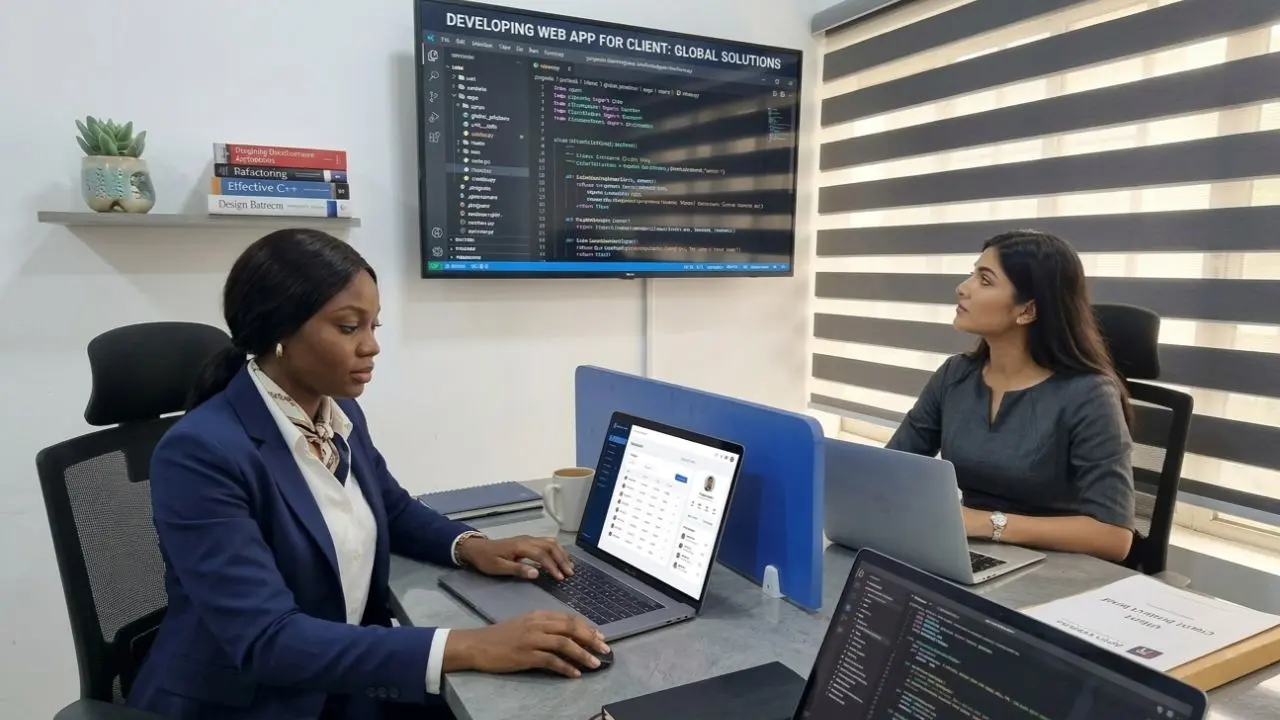
Inclusive opportunity
Technology can strengthen what you already know.
Whether you're building a business, managing a career, learning a new skill or preparing for your next chapter, practical digital skills can become another tool in your hands.
Practical preparation
If you're preparing to relocate, practical computer skills can help you handle everyday digital tasks, communicate confidently and become familiar with common workplace tools.
Training develops useful skills and does not guarantee employment abroad.

Talk to TECH-TONIC
You don't need to choose a technology path blindly.
Talk to us. We'll start by understanding you, your background, what you enjoy, what you want to achieve and where you currently need support.